
Screenshots
App details
- Size
- 2.82 MB
- Updated
- March 9, 2017
- Requires
- Windows XP
- Language
- English
- License
- Free
- Developer
- More programs (40)
- Category
- Windows OS
SoftPas in:
This product is also available in the following languages:
About Spider Man 3 Screensaver
Download Spider Man 3 Screensaver – Free Windows Desktop Animation
Overview
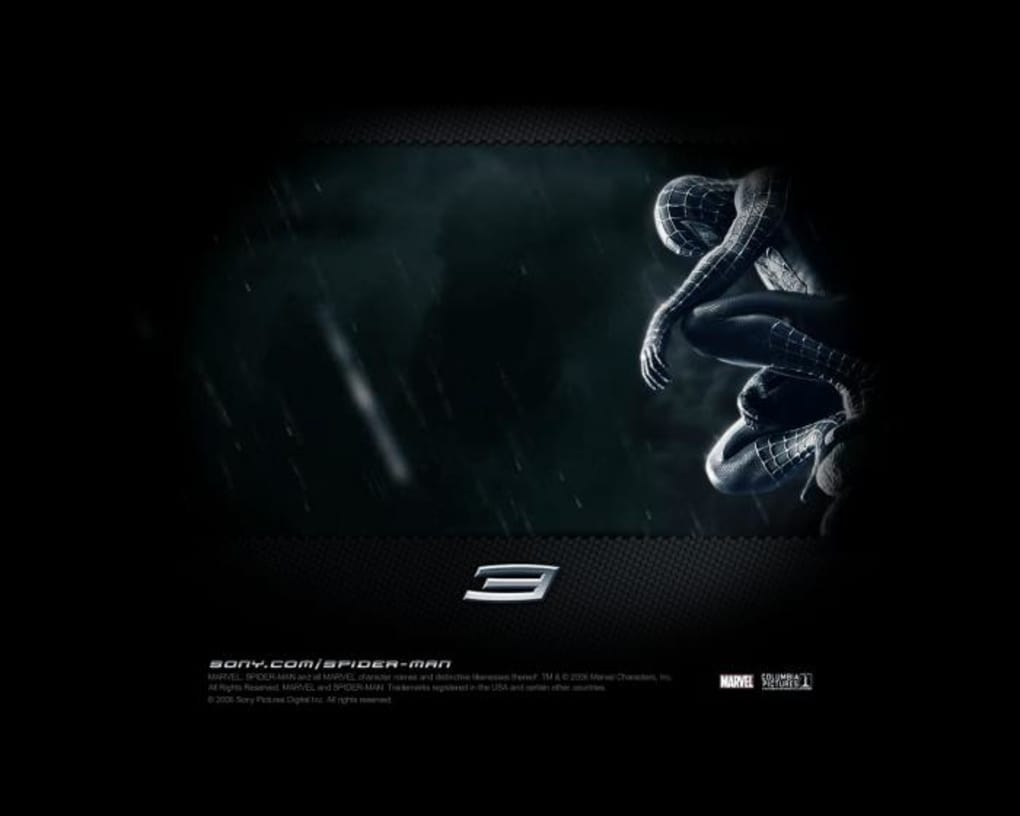
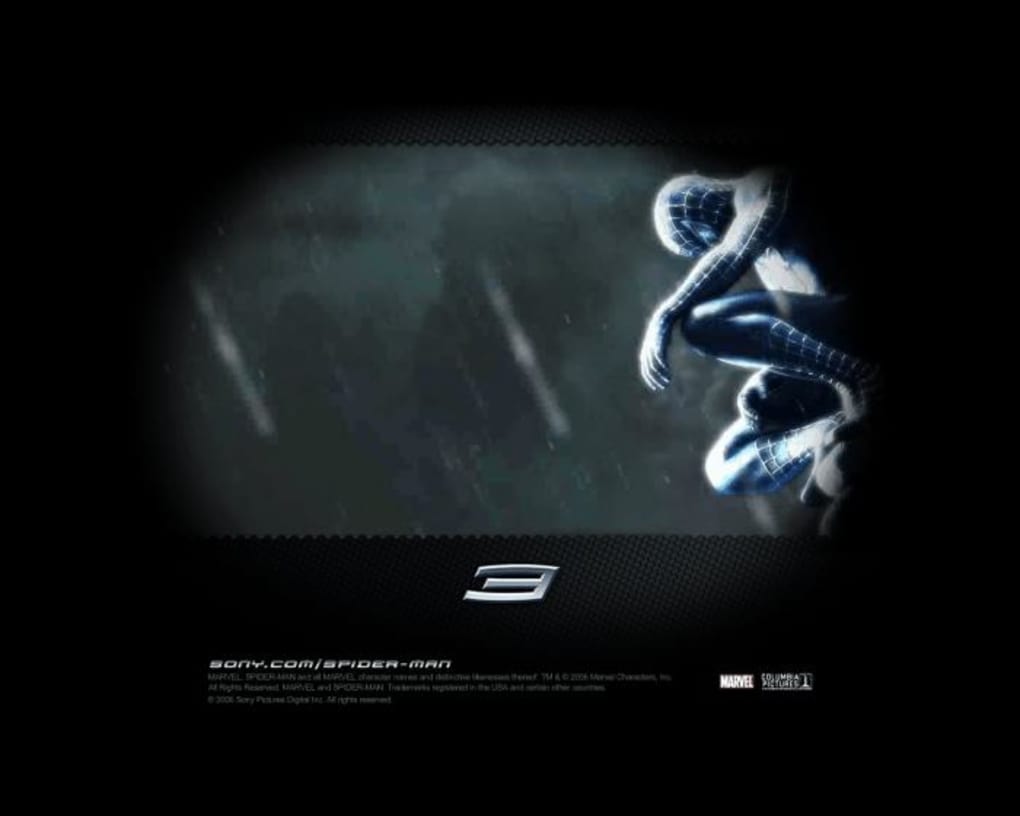
The official Spider‑Man 3 Screensaver brings the high‑octane energy of the blockbuster movie straight to your Windows desktop. Developed by Sony Pictures and released in 2011, this lightweight desktop‑customization tool lets you relive iconic moments from Peter Parker’s third cinematic adventure every time your PC goes idle. Because it’s a true screensaver, the program consumes minimal system resources and occupies far less storage than typical media‑rich themes. The software is free, English‑language only, and designed for legacy Windows platforms ranging from Windows 95 up to Windows XP. Although the last update was posted on June 28 2011, the screensaver still runs smoothly on supported operating systems, offering a nostalgic glimpse of early‑2010s web‑based desktop personalization. With more than 44,000 downloads worldwide—particularly popular in India and Indonesia—the Spider‑Man 3 Screensaver remains a favorite among fans who want to keep their “Spidey‑senses” tingling while working, gaming, or simply stepping away from the keyboard.
Key Features
- Authentic movie clips and high‑resolution graphics from Spider‑Man 3.
- Multiple animation modes: classic looping, random scene shuffle, and timed transitions.
- Lightweight footprint – under 2 MB download, ideal for older hardware.
- Customizable settings: adjust animation speed, select preferred scenes, and set screen‑off timeout.
- Secure installation – digitally signed by Sony Pictures, guaranteeing a virus‑free experience.
- Compatibility with Windows 95, 98, ME, 2000, and XP – perfect for legacy machines.
- English‑only interface with simple, intuitive controls.
Installation & Usage Guide
Step‑by‑step installation
- Download the Spider‑Man 3 Screensaver executable from the official Sony Pictures download page.
- Locate the downloaded
.exefile (typically in yourDownloadsfolder). - Right‑click the file and select Run as administrator to ensure proper registry entry.
- Follow the on‑screen wizard – accept the End‑User License Agreement, choose the installation folder (default is
C:\Program Files\Spider‑Man 3 Screensaver), and click Install. - When the installation finishes, click Finish. The screensaver will automatically appear in your Windows “Screen Saver Settings” panel.
Configuring the screensaver
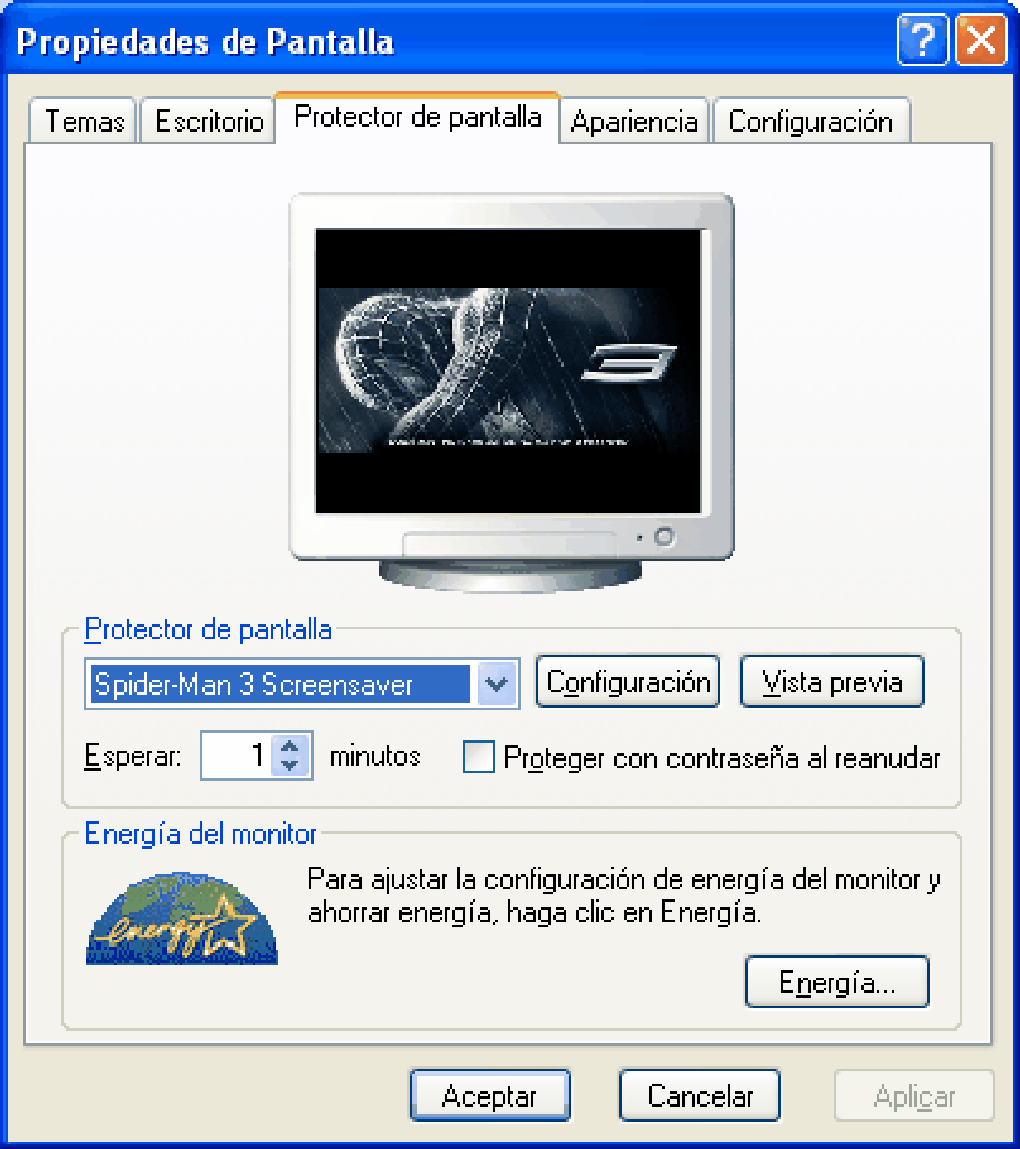
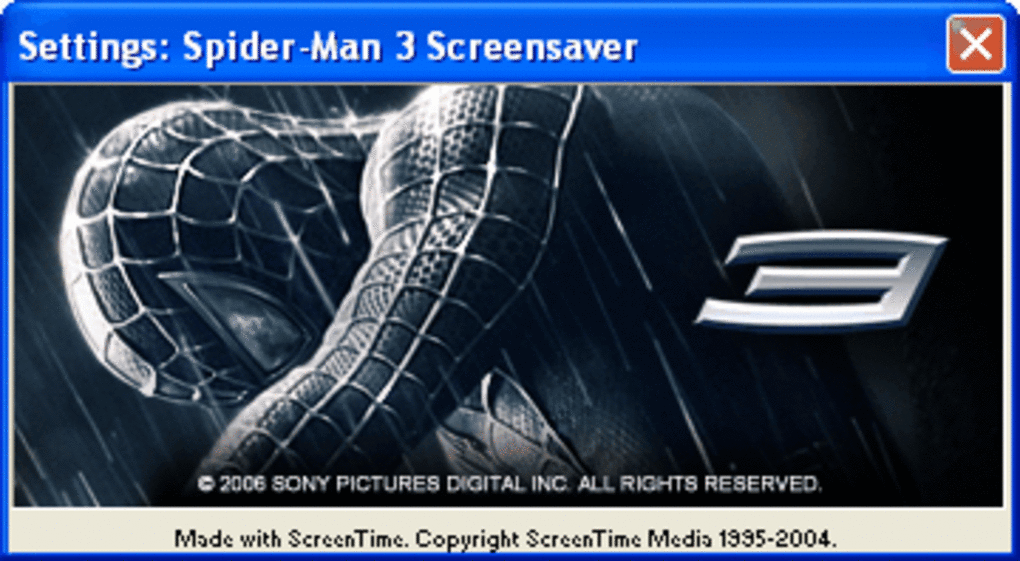
Open Control Panel → Appearance and Personalization → Change screen saver. From the dropdown, select “Spider‑Man 3 Screensaver.” Click Settings to access the configuration window, where you can:
- Choose a preferred animation mode (Loop, Random, Timed).
- Set the idle time before activation (default 5 minutes).
- Toggle background music (original movie soundtrack) on or off.
- Save your preferences and preview the result in real time.
Once satisfied, click Apply and OK. The screensaver will now activate whenever your computer remains idle for the specified period, delivering cinematic action directly to your monitor.
Compatibility, Pros & Cons
Operating System Support
The Spider‑Man 3 Screensaver is officially compatible with Windows 95, 98, ME, 2000, and XP. It runs on both 32‑bit and 64‑bit editions of these systems, though it does not support Windows Vista, 7, 8, 10, or newer. Users on modern Windows versions can still run the screensaver through compatibility mode, but performance may vary.
Pros
- Completely free – no hidden fees or trial periods.
- Light on resources, making it ideal for older PCs.
- Authentic movie footage provides a high‑quality visual experience.
- Simple installation process with clear prompts.
- Securely signed by Sony Pictures, eliminating malware concerns.
Cons
- Limited to legacy Windows versions; no native support for Windows 10/11.
- English‑only interface may be restrictive for non‑English speakers.
- Last updated in 2011 – no recent bug fixes or feature enhancements.
- No mobile (Android/iOS) or macOS version available.
- Customization options are basic compared to modern theme packs.
Frequently Asked Questions
Is the Spider‑Man 3 Screensaver safe to download?
Yes. The file is digitally signed by Sony Pictures and hosted on the official Sony download portal, ensuring it is free from viruses or malware.
Can I use the screensaver on Windows 10?
The screensaver was designed for Windows 95‑XP. While you can attempt to run it on Windows 10 using Compatibility Mode, full functionality is not guaranteed.
How much hard‑disk space does the screensaver require?
The installer is under 2 MB, and the installed program occupies roughly 1.5 MB, making it ideal for low‑storage systems.
Is there a way to add my own Spider‑Man videos?
The official version does not support custom video imports. However, advanced users can replace the default media files in the installation directory, though this is not officially supported.
Will the screensaver affect my computer’s performance?
Because it is lightweight and uses low CPU/GPU resources, the impact on performance is negligible, even on older hardware.
Conclusion & Call to Action
If you’re a fan of the 2007 blockbuster or simply enjoy adding a dash of cinematic flair to an older Windows machine, the Spider‑Man 3 Screensaver delivers exactly what it promises: a free, secure, and resource‑friendly way to keep your desktop alive with iconic web‑slinging action. While it lacks modern OS support and deeper customization, its simplicity and authenticity make it a worthwhile download for legacy systems and nostalgic users alike. Ready to unleash the web‑slinging spectacle on your screen? Download the Spider‑Man 3 Screensaver now and let Peter Parker’s adventure guard your idle moments.
Guides & Tutorials
How to install Spider Man 3 Screensaver
- Click the Download button above.
- Once redirected, accept the terms and click Install.
- Wait for the Spider Man 3 Screensaver download to finish on your device.
How to use Spider Man 3 Screensaver
This software is primarily used for its core features described above. Open the app after installation to explore its capabilities.
User Reviews
No reviews yet. Be the first to share your experience.
You may also like
more
Llama 2
Free-to-use large language model As the new addition to Meta’s arsenal of langua...

NotebookLM
Revolutionizing the note-taking and idea-generation process NotebookLM is an exp...

Github co pilot
AI-inspired software development and coding platform GitHub Copilot is a browser...

Google Gemma
Google’s lightweight AI models Introducing Google Gemma , a family of cutting-ed...

AI Image Enlarger
A free app for Windows, by ai-image-larger. AI Image Enlarger is a free software...

DALL E
AI-driven text-to-image transformation engine DALL·E is a free graphic and desig...